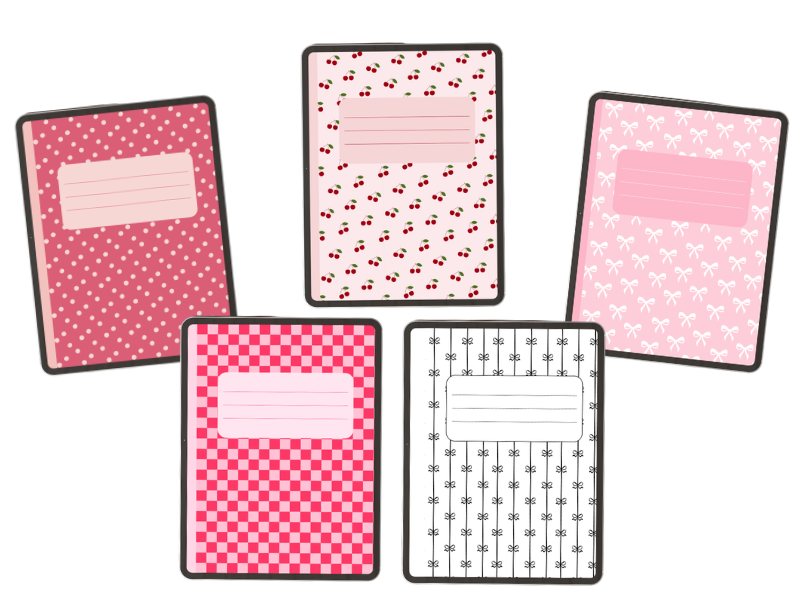
Hello guys! Today I’m sharing a cute set of free digital notebook covers for you to grab. It’s always nice to have a range of notebook covers that you can switch around so that you don’t get bored and stay inspired.
My digital notebook covers cover a range of aesthetics so I hope you find something that you like. As always these are free to download and use, just click the button beneath the description.
File Specifications
Each of these comes in a PDF file of size 8.5 by 11 in (US Letter). Here’s how to add a cover to GoodNotes or Notability:
- Download the PDF file for the cover you want.
- Open GoodNotes or Notability and create a new notebook (or open an existing one).
- Go to your notebook’s cover settings and choose “Import” or “Custom Cover.”
- Select the PDF you downloaded.
- Fill in the label box with your subject, name, or date using the app’s text or handwriting tool.
1. Pink polka dot digital notebook cover
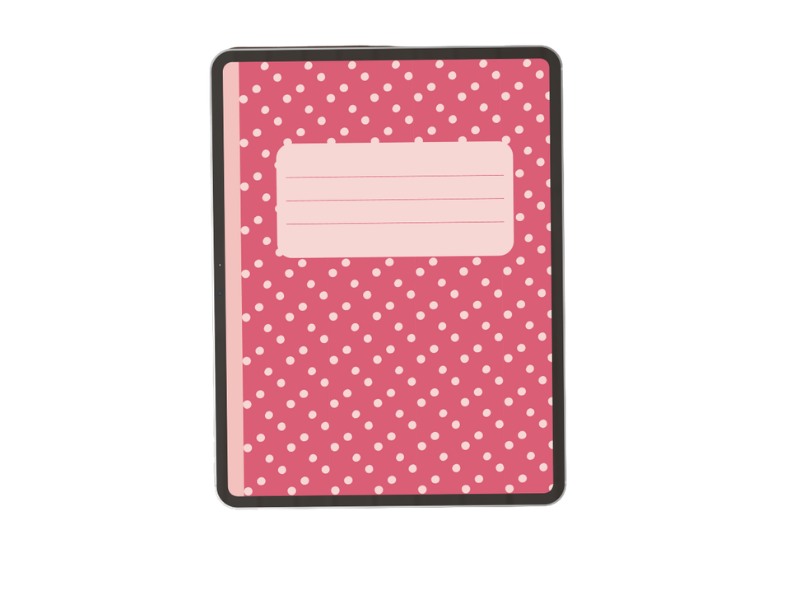
This cover features a deep pink background with soft blush polka dots. You can grab it below.
2. Pink and White bows digital notebook cover
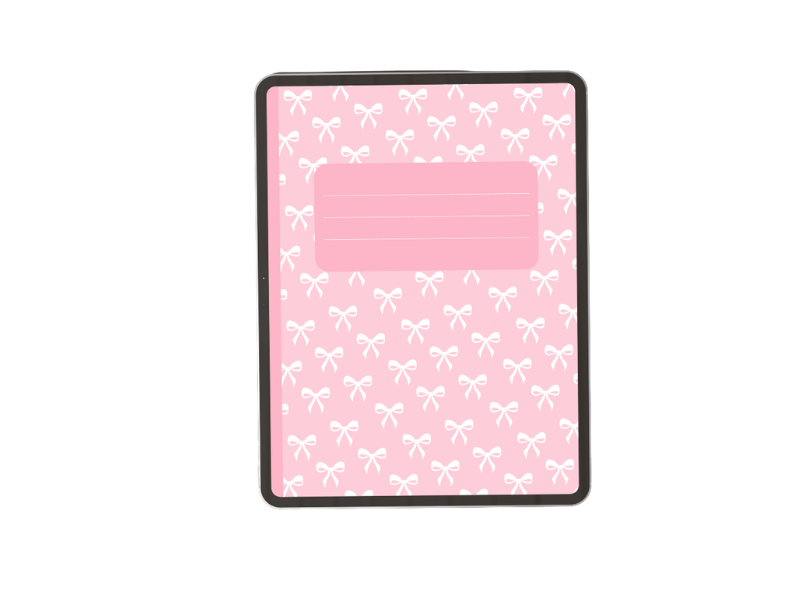
This cover has an all-over bow pattern in soft pink and white.
3. Black and white striped bows digital notebook cover
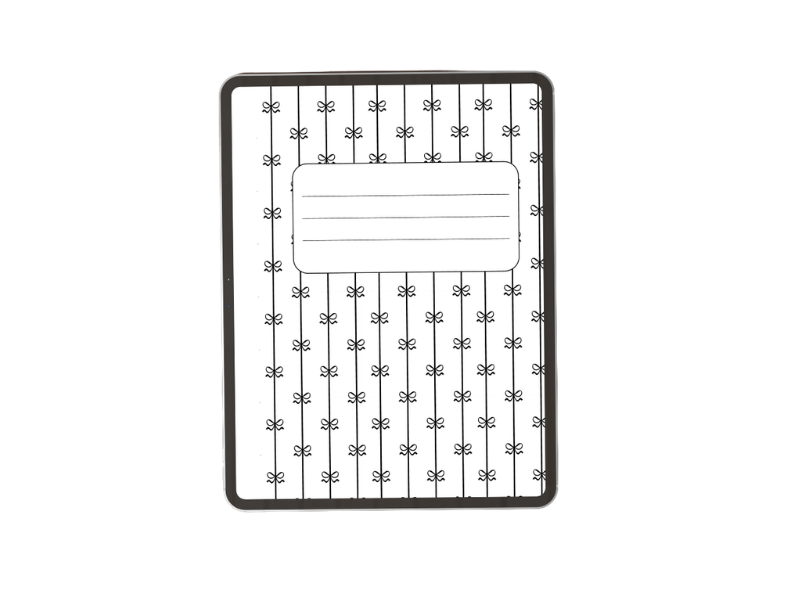
This cover also features bows but in a minimal black-and-white style.
4. Cherry print digital notebook cover
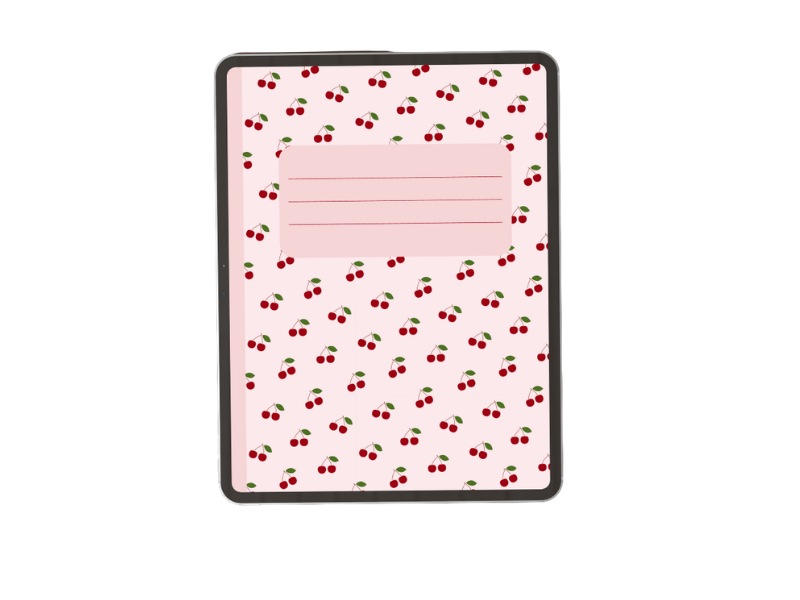
This one has a a blush pink background scattered with little cherries.
5. Pink and red checkerboard digital notebook cover
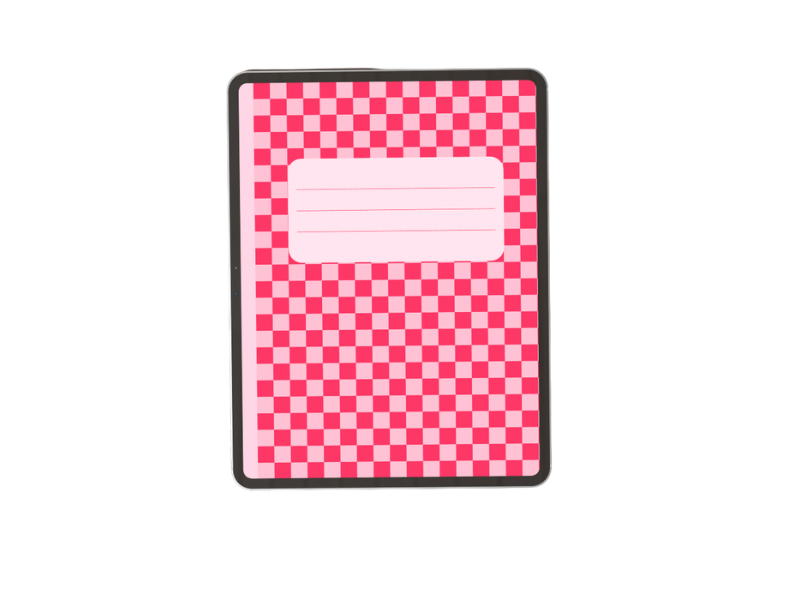
This cover is a two-tone checkerboard in hot pink and pale pink, with a soft pink label box.
Want more colorways?
Want more covers like these? Let me know in the comments what patterns or colors you’d want to see and I’ll add them to this post. That’s all for now. Make sure to check out my free 2026 digital planner notebook.