I’m gonna get into a few Pinterest tips but you can grab the 10 free Pinterest templates at the end of this blog post. I’ll send the Canva template to your inbox.
Templates Are Essential to a Consistent Pinterest Workflow
Creating pins can be time-consuming, especially when you’re managing multiple blog posts, lead magnets, and digital products. I’ve run a handful of Pinterest accounts over the years, including one I focus on consistently for blogging. What I’ve learned is that the common advice to “post fresh pins regularly” doesn’t mean creating brand new pins from scratch every single time. That’s where Pinterest templates come in as they give you a flexible starting point you can reuse, tweak, and adapt without having to design from zero every time.
In reality, most of us rotate through a handful of layouts that work. We tweak the colors, reposition the text, or swap out the background. Having a small set of Pinterest templates to reuse and adapt is one of the best time-saving strategies for any blogger trying to stay consistent on Pinterest.
This post contains affiliate links.
The 6 Pinterest Templates Every Blogger Should Keep in Rotation
You don’t need dozens of Pinterest templates, you need a few reliable layouts that you can adapt for different purposes. Below are six types of pin templates I recommend for any blogger. These help you promote your content consistently, stay visible on Pinterest, and make the most of the platform without overthinking it.

1. Blog post promo pins
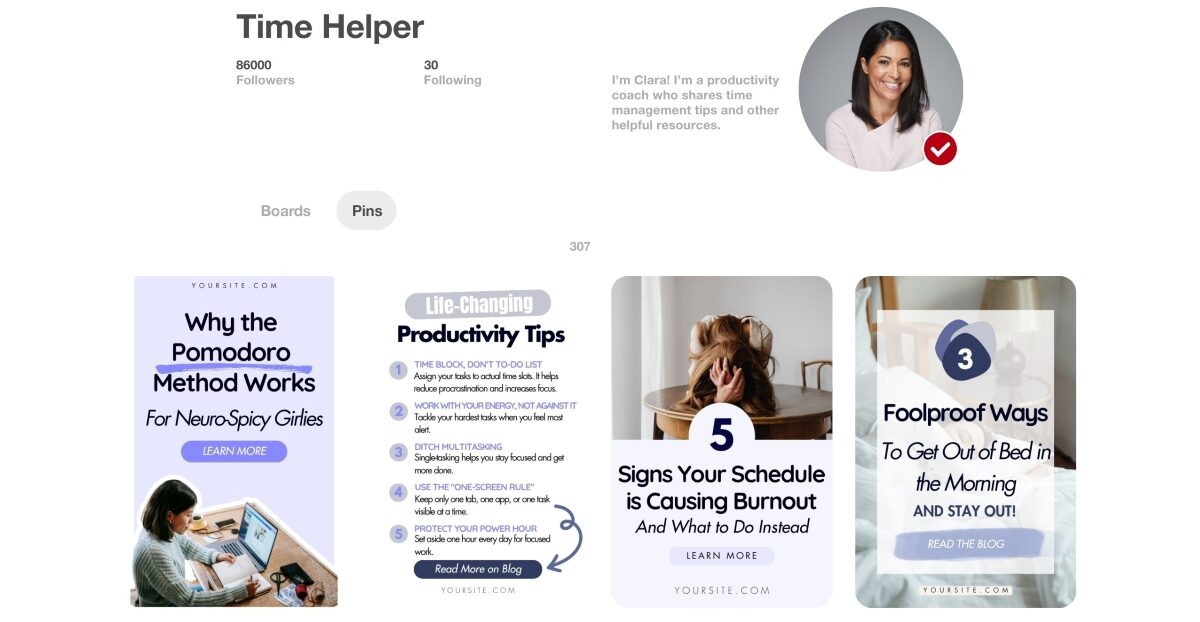
You’ll likely need a few versions of this template in your rotation, especially if you’re promoting multiple posts each week. These pins are your bread and butter.
2. Listicle pins
Listicle-style pins work well because they offer immediate value. While it’s easy to assume that every pin must lead to a blog post, some of your listicle pins can stand alone so that the viewer gets something valuable even without clicking.
So if your blog post lists 10 productivity tips, your pin might preview three or four and invite users to click for the full list. These pins tend to get saved more often. And saves are an important signal to Pinterest that you are producing engaging content.
3. Lead magnet/freebie pins
These are designed to promote your freebie, for example, a checklist, guide or a template. They can link to a blog post that introduces the lead magnet or go directly to a landing page.
You should aim to promote your lead magnet consistently, at least once a week, with a pin that communicates its value clearly.
4. Digital product pins
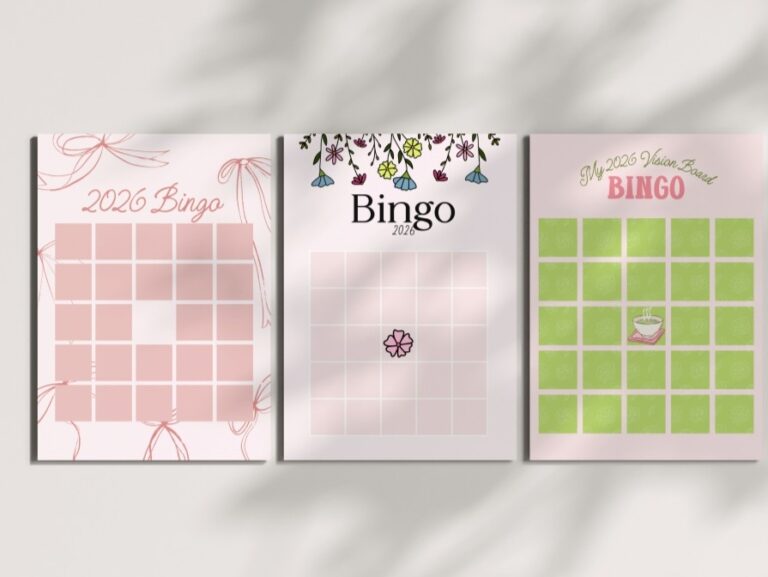
If you sell printables, templates or any other digital products, you’ll want dedicated templates to showcase them.
5. Quote or tip pins
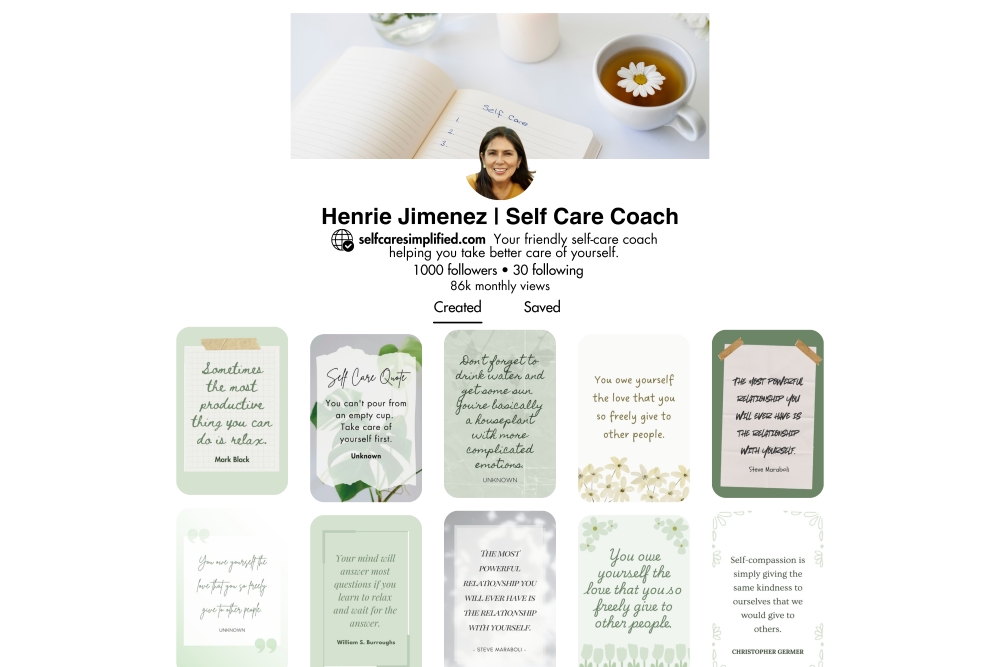
These are perfect for encouraging saves and even helping grow your Pinterest following. You might link these to a relevant blog post or just let them stand alone as a brand-building piece. They work especially well in niches like wellness, productivity, creativity, or personal development.
Want to create quote pins like these? Grab my set of 10 Pinterest quote templates that are editable in Canva and ready to use.
6. Lifestyle or visual pins
You also need to make sure your Pinterest title and description are very clear and intentional so that any user can immediately understand what the pin is about. Since there’s no text overlay on the image, everything else like your title and description needs to align with what the image shows.
So you could post a photo of a wooden bench you’re building and have your title say “How to Build a DIY Wooden Bench”. Pinterest will connect the dots between the image and your keywords.
Get your free Pinterest Templates sent to your inbox
These free Pinterest templates are specifically designed for bloggers. They are designed with a clean aesthetic but are still high converting. You’ll receive an editable Canva template that does not require Canva Pro, as all elements used are free. Just put in your email and I’ll send the Canva Template right to your inbox.
Check out my other freebies: